
Platform Access
Creating an Account
Navigate to the CICDoo sign-up page and complete the registration form:
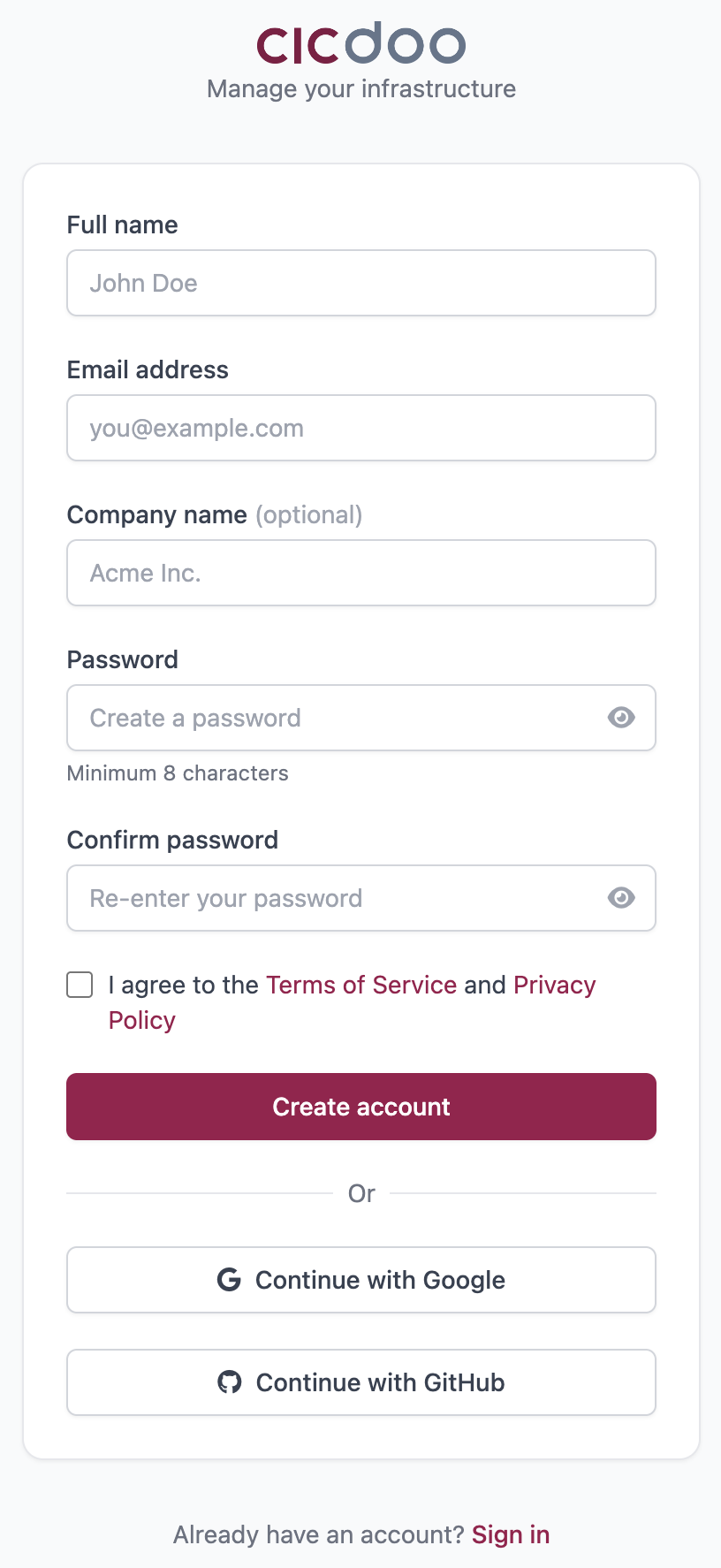
| Field | Description |
|---|---|
| Name | Your full name |
| Used for login and notifications | |
| Company | If you are a company ( optional ) |
| Password | Minimum length enforced; shown/hidden with the eye icon |
After submitting, a verification email is sent to the address you provided. Click the link inside to activate your account before logging in.
You can also register instantly using Google OAuth or GitHub OAuth — no password required when using these providers.
Logging In
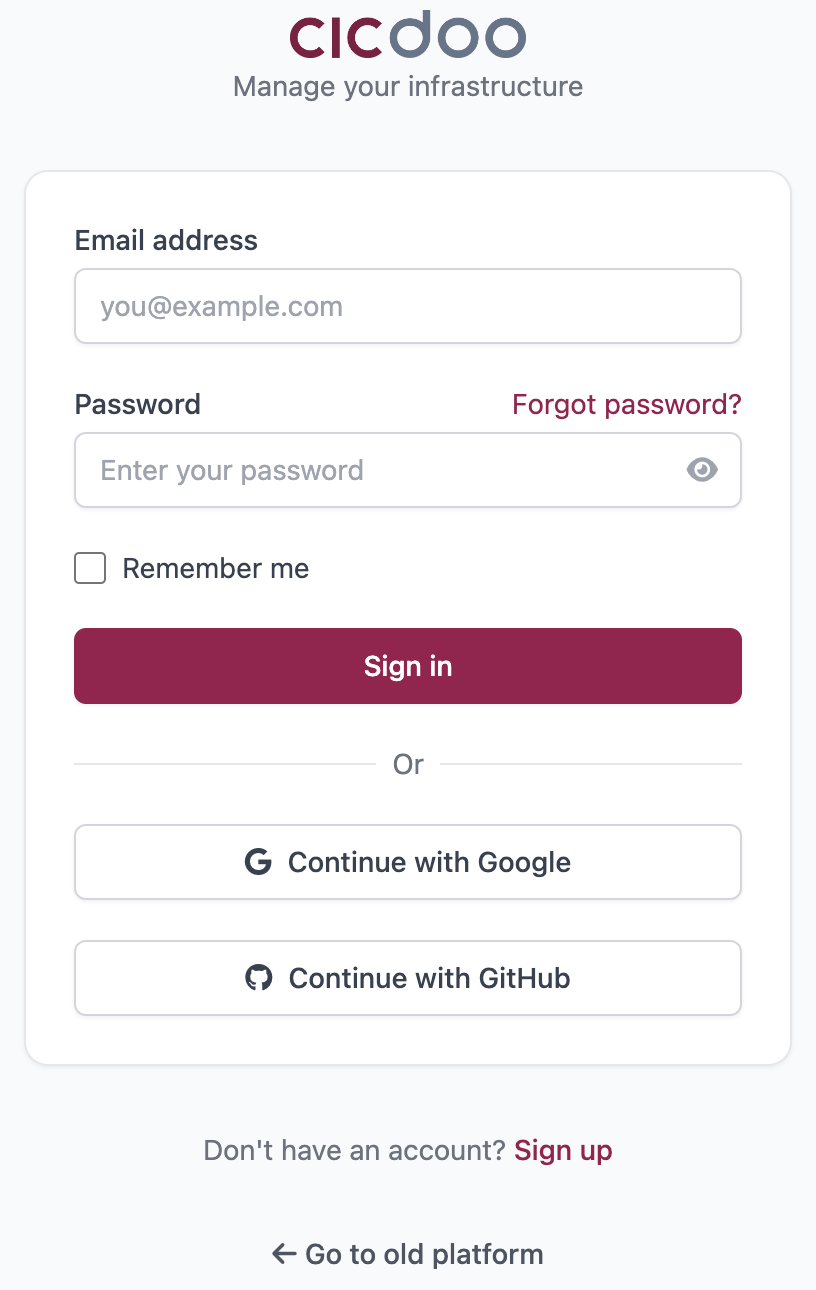
- Enter your email and password.
- Optionally check Remember me to stay signed in across browser sessions.
- Click Log In.
Single-sign-on alternatives are available at the bottom of the login form:
- Continue with Google
- Continue with GitHub
Password Recovery
- Click Forgot password? on the login page.
- Enter the email address associated with your account.
- Check your inbox for a reset link and follow the instructions.
- Choose a new password on the reset page.
Updated 6 months ago
Did this page help you?